
YouTube Focus
Hide Shorts, feed and distractions.
Currently a direct download — load it in Chrome via Developer mode (steps below). Coming to the Chrome Web Store soon.
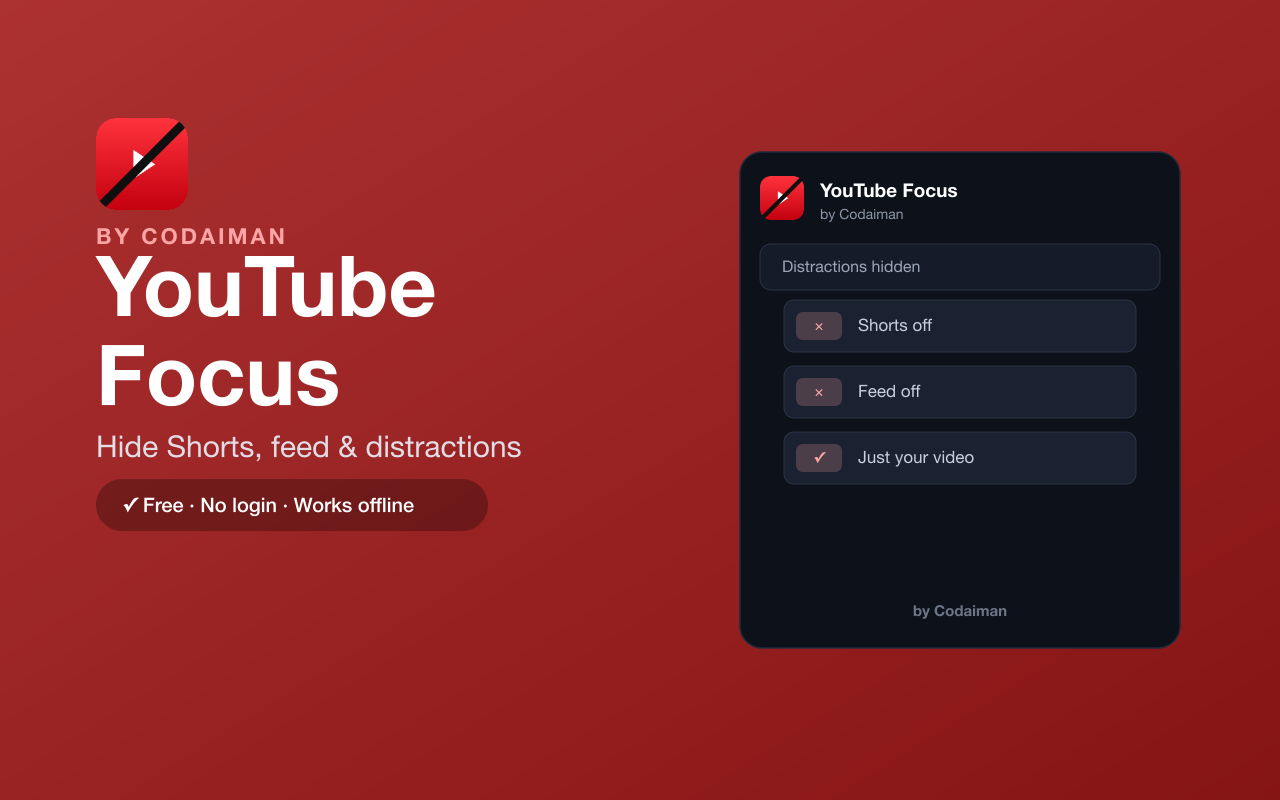
About YouTube Focus
YouTube Focus strips the distractions out of YouTube so you can watch what you actually came for. Toggle off Shorts, the endless homepage feed, the recommendations sidebar, comments and end-screen cards — each on or off, your choice.
It only hides page elements with simple on/off toggles; it doesn't change playback, block ads, or download anything. No login and no server — a Codaiman product for a calmer, more intentional YouTube.
Features
Hide Shorts
Remove the Shorts shelf and Shorts from your feed.
Hide the homepage feed
Stop the endless recommendation wall on the YouTube home page.
Hide recommendations
Remove the sidebar 'up next' suggestions while you watch.
Hide comments & end cards
Turn off comments and end-screen suggestions.
Toggle each on or off
Choose exactly what to hide — nothing is forced.
Free & private
No login, no server — a Codaiman product.
How to use YouTube Focus
- 1Install YouTube Focus and pin it to your toolbar.
- 2Open the popup and toggle what you want to hide.
- 3Browse YouTube with only the parts you chose.
- 4Change your toggles anytime.
Installing the download
This extension is a self-hosted download, so it installs via Chrome's Developer mode.
- 1Download the .zip and unzip it to a folder you'll keep.
- 2Open chrome://extensions in Chrome.
- 3Turn on “Developer mode” (top-right toggle).
- 4Click “Load unpacked” and select the unzipped folder.
Perfect for
- Watch a specific video without falling into the feed
- Study or research on YouTube without Shorts pulling you away
- Make YouTube calmer and less addictive
Frequently asked questions
Does it block ads or change playback?
No — YouTube Focus only hides page elements like Shorts, the feed and recommendations. It doesn't block ads, change playback, or download anything.
Can I choose what to hide?
Yes — every element (Shorts, feed, recommendations, comments, end cards) has its own on/off toggle.
Is it free?
Yes — 100% free, no login. A Codaiman product.


Get YouTube Focus — free
A free, self-hosted browser extension by Codaiman. Download, load it in Chrome, and you're set.
Download (.zip) — Free