
Capture Studio
Screenshots & Full HD screen recording.
About Capture Studio
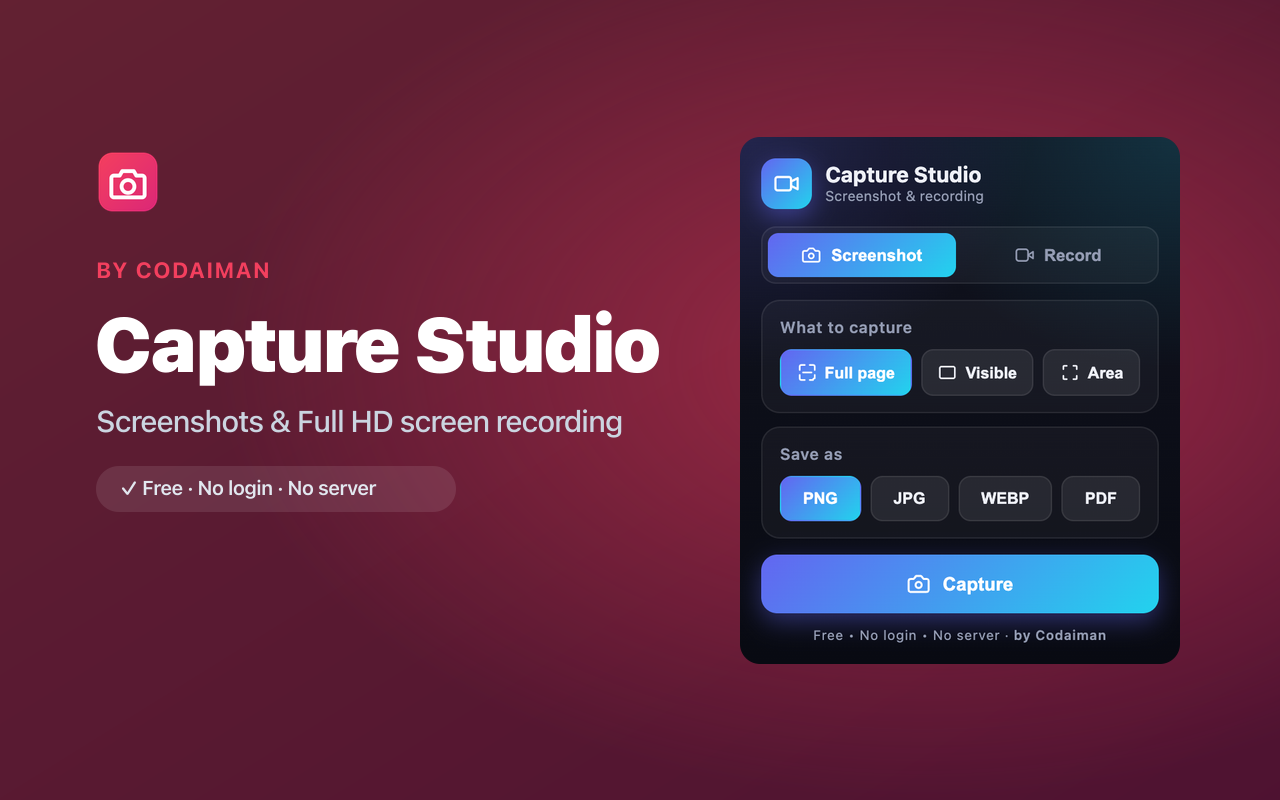
Capture Studio combines a powerful screenshot tool and a Full HD screen recorder in a single extension. Grab a full-page screenshot of an entire article, just the visible area, or a custom region you draw yourself — then export as PNG, JPG, WEBP or PDF.
Need video? Record your screen in Full HD with microphone and system audio, crop to a custom area, and save as WebM or MP4. There's no watermark, no time limit gimmick, and no account required — it's free and runs locally.
Features
Full-page screenshots
Capture an entire scrolling page in one shot, not just what's on screen.
Custom-area capture
Draw a region to grab exactly the part of the page you need.
Export PNG / JPG / WEBP / PDF
Save screenshots in the format that suits you, including multi-use PDF.
Full HD screen recording
Record your screen in high definition with mic and system audio.
Crop while you record
Capture a custom area of the screen for focused, clean recordings.
No watermark, free
No branding stamped on your captures and no sign-up required.
How to use Capture Studio
- 1Install Capture Studio and pin it to your toolbar.
- 2Choose screenshot (full page / visible / custom area) or screen recording.
- 3Pick your format and audio options.
- 4Capture, then download your image or video instantly.
Perfect for
- Save full-page screenshots of articles, receipts or dashboards as PDF
- Record quick tutorials, demos or bug reports with narration
- Grab a precise part of any page for docs, slides or support tickets
Frequently asked questions
Is there a watermark on captures?
No. Screenshots and recordings are clean — Capture Studio never stamps a watermark on your files.
Can it record audio?
Yes. You can record microphone and system audio along with the screen for tutorials and demos.
What formats can I export?
Screenshots export as PNG, JPG, WEBP or PDF. Recordings save as WebM (and MP4 where supported).
Is it free?
Yes, fully free with no account — a Codaiman product.



Get Capture Studio — free
A free, privacy-first Chrome extension by Codaiman. No login, no server, nothing leaves your browser.