
Color Picker
Eyedropper with HEX / RGB / HSL & palette.
About Color Picker
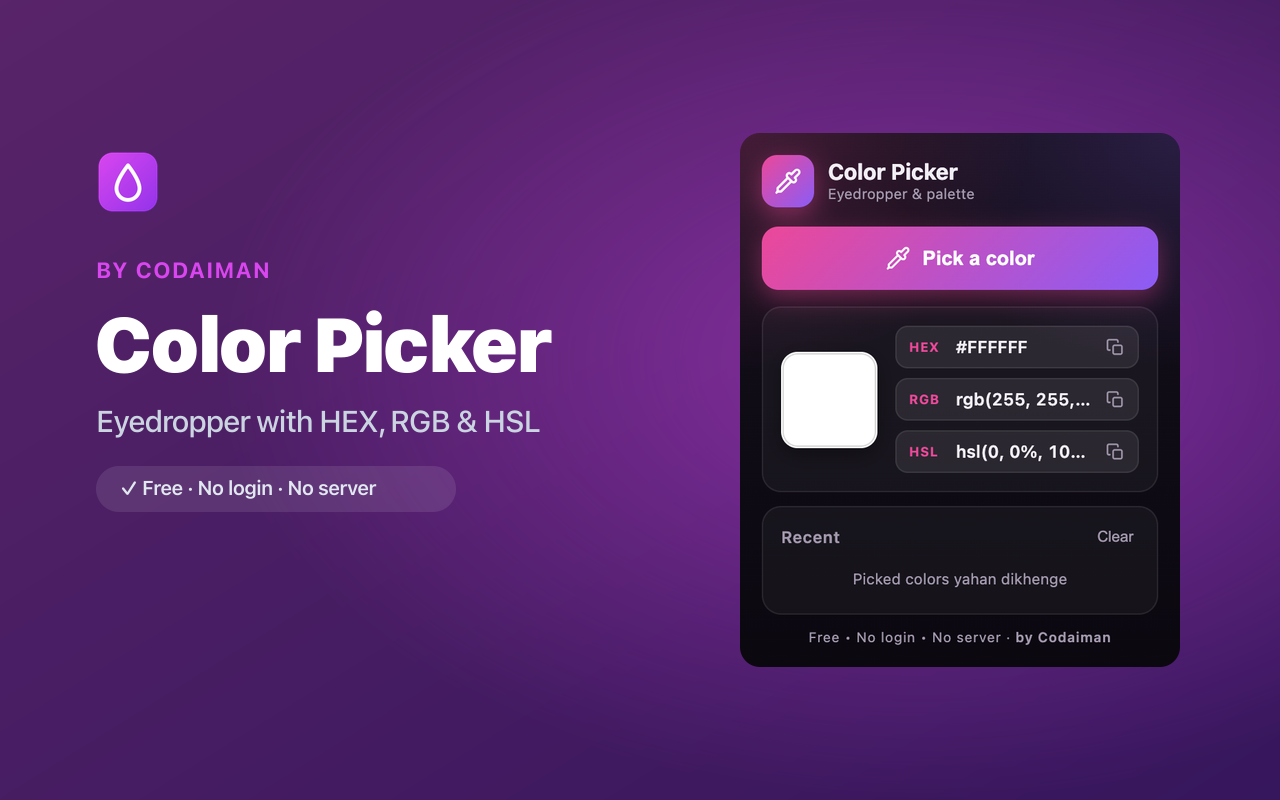
Color Picker is a screen eyedropper for designers and developers. Point at any pixel on any web page and instantly grab its color in HEX, RGB or HSL — then copy it to your clipboard with a single click.
Every color you pick is saved to a palette of recent colors, so you can build a quick swatch set while you work. It's free, fast, and needs no account — a handy tool that lives right in your Chrome toolbar.
Features
Screen eyedropper
Sample the exact color of any pixel on any website.
HEX, RGB & HSL
Read the picked color in the format your workflow needs.
One-click copy
Copy the value straight to your clipboard, ready to paste.
Recent-colors palette
Every pick is saved so you can build a quick swatch set.
Lightweight & instant
No bloat — it opens fast and picks colors without lag.
Free, no login
A Codaiman product that runs entirely in your browser.
How to use Color Picker
- 1Install Color Picker and pin it to your toolbar.
- 2Click the icon and then the eyedropper.
- 3Point at any color on the page to sample it.
- 4Copy the HEX/RGB/HSL value — it's also saved to your palette.
Perfect for
- Match brand colors from any website while designing
- Grab exact color values for CSS without opening dev tools
- Build a quick palette of colors you like as you browse
Frequently asked questions
What color formats does it support?
You get HEX, RGB and HSL for every color you pick, each copyable in one click.
Does it save the colors I pick?
Yes — recent colors are kept in a palette so you can reuse them later.
Is it free?
Yes, completely free with no account — a Codaiman product.



Get Color Picker — free
A free, privacy-first Chrome extension by Codaiman. No login, no server, nothing leaves your browser.