
WebToolbox
Hundreds of dev & AI tools, one click away.
Currently a direct download — load it in Chrome via Developer mode (steps below). Coming to the Chrome Web Store soon.
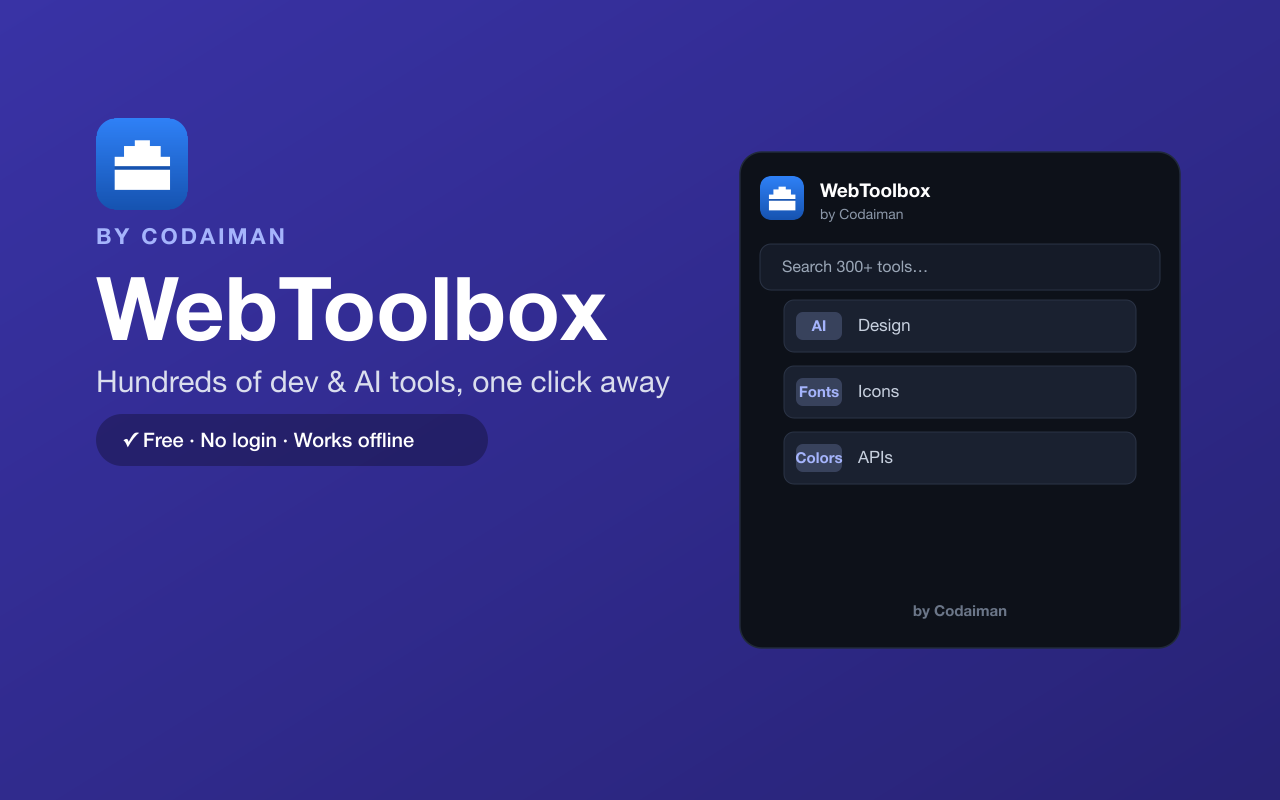
About WebToolbox
WebToolbox puts hundreds of the best free tools for developers, designers and makers one click away from your Chrome toolbar. Instead of hunting through bookmarks, open the popup and jump straight to curated resources for coding, AI, UI/UX, fonts, icons, colors, APIs, SEO, hosting and more.
Every tool is hand-picked and organised into categories, with instant search so you find what you need in seconds. It runs entirely in your browser — no login, no server, and it works offline. A Codaiman product built for people who build things, and a natural companion to Codaiman's own ToolHub.
Features
Hundreds of curated tools
Hand-picked resources across coding, AI, design, fonts, icons, colors, APIs, SEO and hosting.
Instant search
Type to filter every tool by name or category and open it in one click.
Organised by category
Browse neat collections instead of a messy pile of bookmarks.
Opens in one click
Launch any tool in a new tab straight from your toolbar popup.
Works offline
The whole directory is bundled in the extension — no server needed.
Free & private
No login, no tracking — a Codaiman product that stays out of your way.
How to use WebToolbox
- 1Install WebToolbox and pin it to your Chrome toolbar.
- 2Click the icon to open the tool directory.
- 3Search or browse by category to find the tool you need.
- 4Click any tool to open it in a new tab.
Installing the download
This extension is a self-hosted download, so it installs via Chrome's Developer mode.
- 1Download the .zip and unzip it to a folder you'll keep.
- 2Open chrome://extensions in Chrome.
- 3Turn on “Developer mode” (top-right toggle).
- 4Click “Load unpacked” and select the unzipped folder.
Perfect for
- Jump to the right dev, design or AI tool without digging through bookmarks
- Discover new resources for fonts, icons, colors, APIs and SEO
- Keep your favourite building tools one click away while you work
Frequently asked questions
Is WebToolbox free?
Yes — it's 100% free with no account and no paywalled tools. A Codaiman product.
Does it work offline?
Yes. The full tool directory ships inside the extension, so the popup works even without a connection.
How is it different from ToolHub?
ToolHub (codaiman.com/toolhub) runs 1000+ tools right in your browser; WebToolbox is a fast launcher that curates and links out to the best tools across the web from your toolbar.



Get WebToolbox — free
A free, self-hosted browser extension by Codaiman. Download, load it in Chrome, and you're set.
Download (.zip) — Free