Tab Snooze
Snooze a tab now, get it back later.
Currently a direct download — load it in Chrome via Developer mode (steps below). Coming to the Chrome Web Store soon.
About Tab Snooze
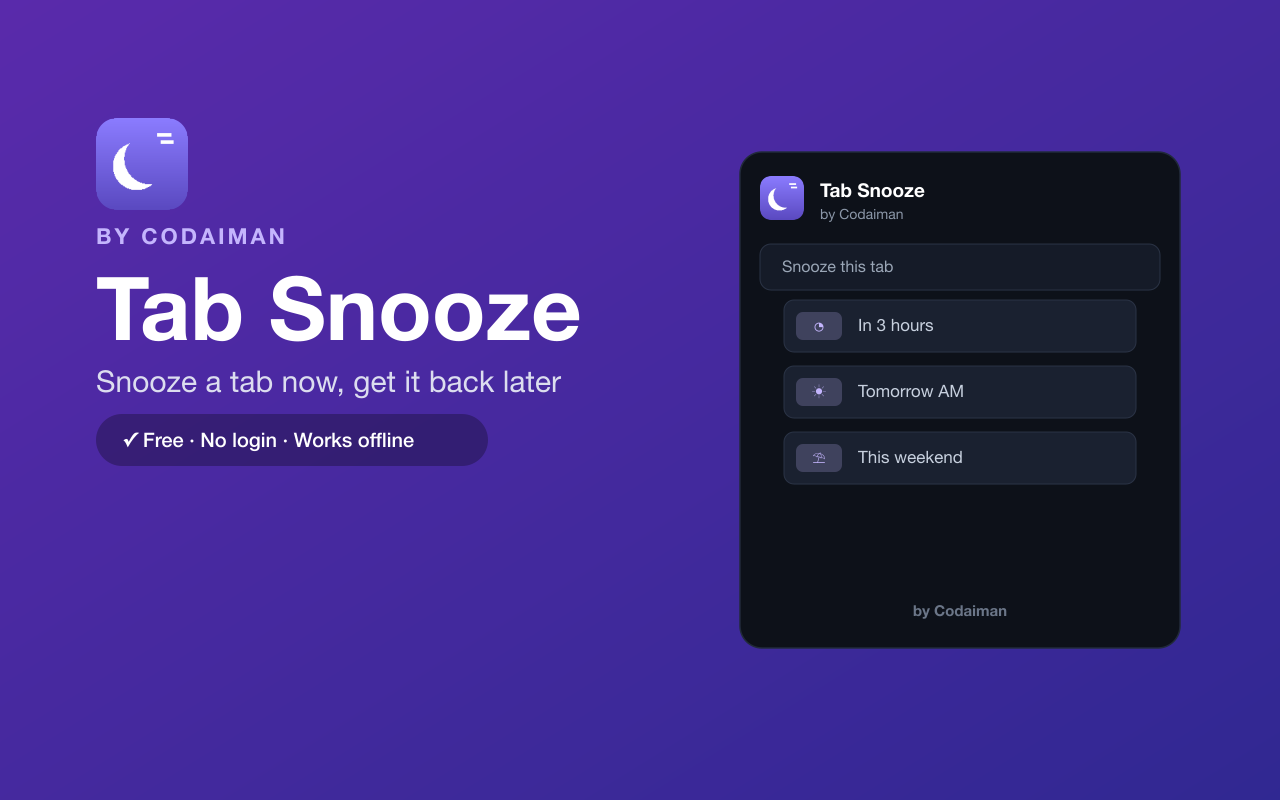
Tab Snooze clears the clutter without losing anything. Snooze a tab and it closes right now, then reopens itself automatically at the time you pick — in a few hours, tomorrow morning, this weekend, or a custom date and time.
It's the easiest way to keep a clean browser while making sure the things you need come back exactly when they're useful. No login and no server — a Codaiman product that helps you focus on what's in front of you.
Features
Snooze any tab
Close a tab now and schedule it to return later.
Quick presets
In a few hours, tomorrow morning, this weekend — one tap.
Custom date & time
Pick exactly when a tab should come back.
Auto-reopens
The tab reappears on its own at the scheduled time.
Cleaner browser
Cut tab clutter without bookmarking or losing pages.
Free & private
No login, no server — a Codaiman product.
How to use Tab Snooze
- 1Install Tab Snooze and pin it to your toolbar.
- 2On any tab, click the icon and choose when to bring it back.
- 3The tab closes now to keep your window clean.
- 4It automatically reopens at the time you scheduled.
Installing the download
This extension is a self-hosted download, so it installs via Chrome's Developer mode.
- 1Download the .zip and unzip it to a folder you'll keep.
- 2Open chrome://extensions in Chrome.
- 3Turn on “Developer mode” (top-right toggle).
- 4Click “Load unpacked” and select the unzipped folder.
Perfect for
- Clear tabs you don't need right now without losing them
- Bring a task or article back tomorrow morning
- Save weekend reading to reopen on Saturday
Frequently asked questions
Where do snoozed tabs go?
They close now and reopen automatically at the time you chose — nothing is lost.
Can I pick a custom time?
Yes — use a quick preset or set a custom date and time.
Is it free?
Yes — 100% free, no login. A Codaiman product.


Get Tab Snooze — free
A free, self-hosted browser extension by Codaiman. Download, load it in Chrome, and you're set.
Download (.zip) — Free