
Tab Manager
Search, save & restore tab sessions.
About Tab Manager
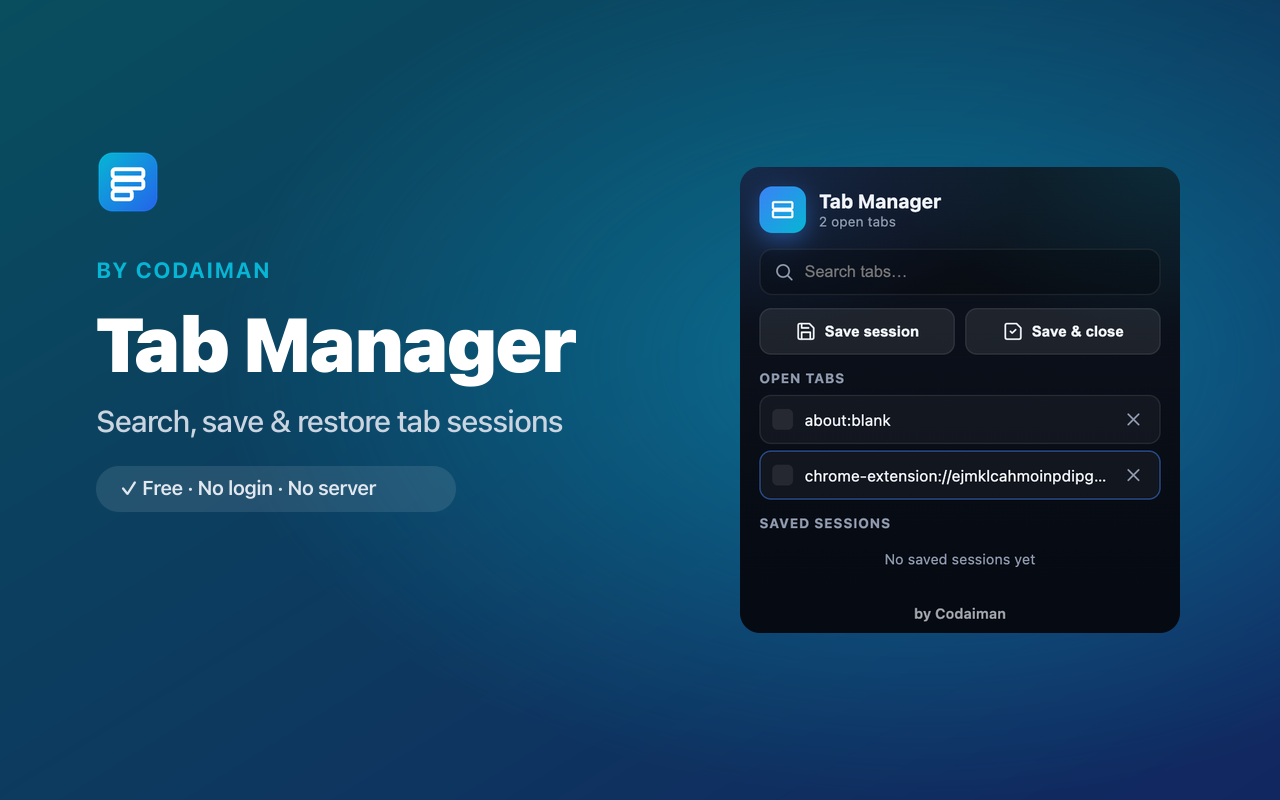
Tab Manager brings order to tab chaos. Instantly search across all your open tabs and jump to the one you need, instead of squinting at 40 tiny favicons. When you have too many open, save the whole session and restore it later with one click.
It also helps free up memory by letting you close and stash tabs you're not using right now. Free, no account, and everything stays on your device.
Features
Search open tabs
Type to find and jump to any open tab across all windows.
Save sessions
Store a whole set of tabs and reopen them later in one click.
Restore anytime
Bring back a saved session exactly as you left it.
Free up memory
Stash tabs you're not using to lighten your browser.
Fast & keyboard-friendly
Find the right tab in seconds without touching the mouse.
Free & private
No login, no server — a Codaiman product.
How to use Tab Manager
- 1Install Tab Manager and open the popup.
- 2Type to search across every open tab and click to switch.
- 3Save the current set of tabs as a session.
- 4Restore any saved session later with one click.
Perfect for
- Find the right tab instantly when you have dozens open
- Save a research or work session and reopen it tomorrow
- Reduce memory use by stashing tabs you're not using
Frequently asked questions
Can I save my tabs and reopen them later?
Yes — save any set of open tabs as a session and restore the whole thing with one click whenever you want.
Does it work across multiple windows?
Yes, tab search covers all your open tabs across windows so you can jump anywhere.
Is it free?
Yes, completely free with no account — a Codaiman product.



Get Tab Manager — free
A free, privacy-first Chrome extension by Codaiman. No login, no server, nothing leaves your browser.