
Quick Sticky Notes
A notepad inside your browser.
Currently a direct download — load it in Chrome via Developer mode (steps below). Coming to the Chrome Web Store soon.
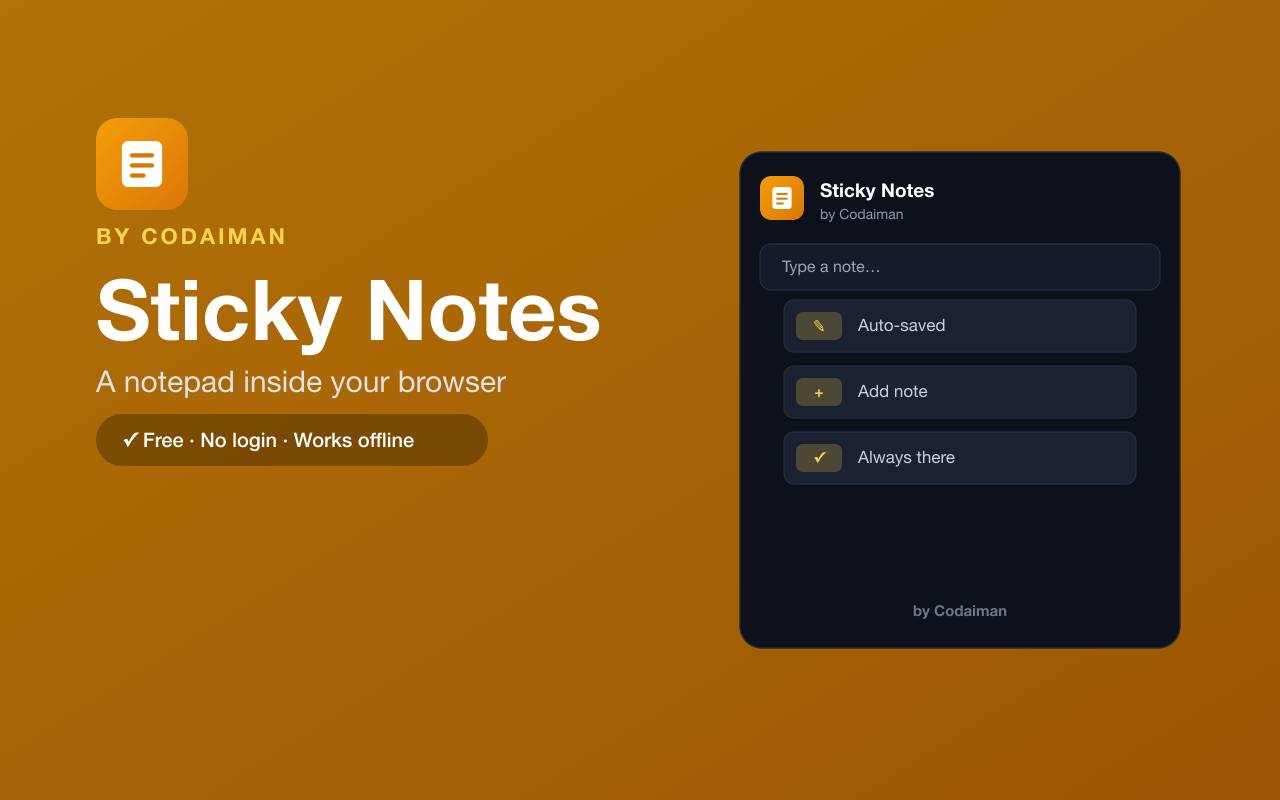
About Quick Sticky Notes
Quick Sticky Notes gives you a simple notepad that lives right in your browser. Jot down ideas, to-dos, links and reminders in the popup — everything is saved automatically and waiting for you the next time you open it.
No accounts, no syncing setup, no server — just a fast scratchpad that's always one click away. A Codaiman product for capturing thoughts before they slip away.
Features
Notepad in your browser
Open the popup and start typing — no app to switch to.
Auto-saved
Every note is saved automatically as you type.
Always there
Your notes are waiting the next time you open it.
Clean & simple
No clutter — just a fast place to write things down.
Works offline
Your notes live in your browser and need no connection.
Free & private
No login, no server — a Codaiman product.
How to use Quick Sticky Notes
- 1Install Quick Sticky Notes and pin it to your toolbar.
- 2Click the icon to open your notepad.
- 3Type notes, ideas or reminders.
- 4Everything saves automatically for next time.
Installing the download
This extension is a self-hosted download, so it installs via Chrome's Developer mode.
- 1Download the .zip and unzip it to a folder you'll keep.
- 2Open chrome://extensions in Chrome.
- 3Turn on “Developer mode” (top-right toggle).
- 4Click “Load unpacked” and select the unzipped folder.
Perfect for
- Jot a quick reminder without leaving your tab
- Keep a running scratchpad of ideas and links
- Save text you'll need later while browsing
Frequently asked questions
Are my notes saved automatically?
Yes — everything you type is saved automatically and is there when you reopen it.
Do my notes leave my device?
No — they're stored locally in your browser. No login and no server.
Is it free?
Yes — 100% free, no login. A Codaiman product.



Get Quick Sticky Notes — free
A free, self-hosted browser extension by Codaiman. Download, load it in Chrome, and you're set.
Download (.zip) — Free