
SkillMap
Turn any skill into a step-by-step roadmap.
Currently a direct download — load it in Chrome via Developer mode (steps below). Coming to the Chrome Web Store soon.
About SkillMap
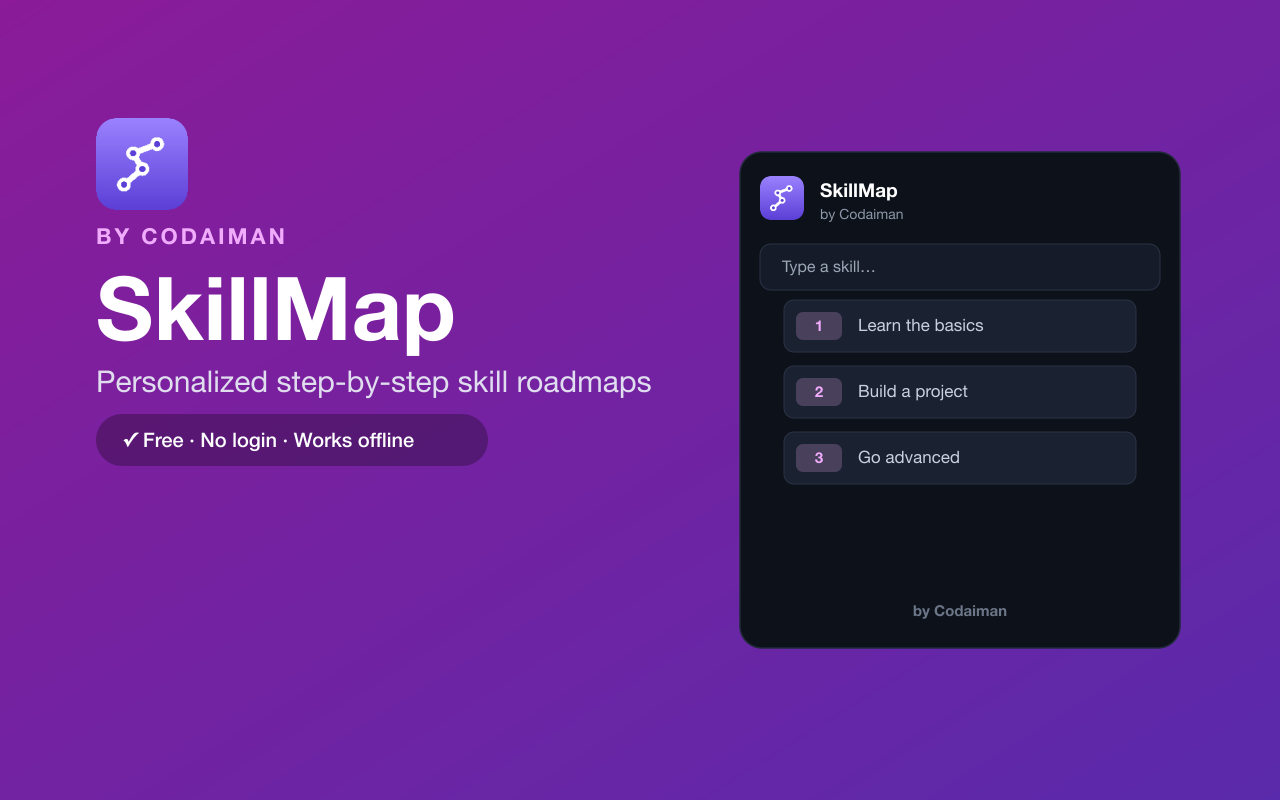
SkillMap turns any skill you want to learn into a clear, step-by-step roadmap. Type something like “Python”, “UI design” or “digital marketing” and get an ordered learning path with curated free resources for each step — plus progress tracking so you always know what to do next.
Popular skills come with hand-curated maps, and anything else gets an auto-generated plan on the spot. It runs in your browser with no login and no server. A Codaiman product that pairs perfectly with CWS, Codaiman's coding-course platform, when you're ready to go deep.
Features
Roadmap for any skill
Type a skill and get an ordered, step-by-step path from beginner to advanced.
Curated free resources
Each step links to hand-picked free tutorials, docs and videos.
Progress tracking
Check off steps as you go and pick up right where you left off.
Curated + auto-generated
Hand-made maps for popular skills, instant plans for everything else.
Distraction-free
A focused learning plan without ads, sign-ups or upsells.
Free & private
No login, no server — your progress stays in your browser.
How to use SkillMap
- 1Install SkillMap and pin it to your toolbar.
- 2Type the skill you want to learn.
- 3Follow the step-by-step roadmap and open the free resources for each step.
- 4Check off steps to track your progress over time.
Installing the download
This extension is a self-hosted download, so it installs via Chrome's Developer mode.
- 1Download the .zip and unzip it to a folder you'll keep.
- 2Open chrome://extensions in Chrome.
- 3Turn on “Developer mode” (top-right toggle).
- 4Click “Load unpacked” and select the unzipped folder.
Perfect for
- Plan how to learn a new programming language or tool
- Build a structured study path instead of random tutorials
- Track progress on a long-term skill goal
Frequently asked questions
Is SkillMap free?
Yes — 100% free, no account, no paywall. A Codaiman product.
Where do the roadmaps come from?
Popular skills use hand-curated maps; anything else is auto-generated into a sensible step-by-step plan.
Is my progress saved?
Yes, locally in your browser. There's no login and nothing is sent to a server.



Get SkillMap — free
A free, self-hosted browser extension by Codaiman. Download, load it in Chrome, and you're set.
Download (.zip) — Free