
Focus — Site Blocker
Block distractions + 25-min Pomodoro.
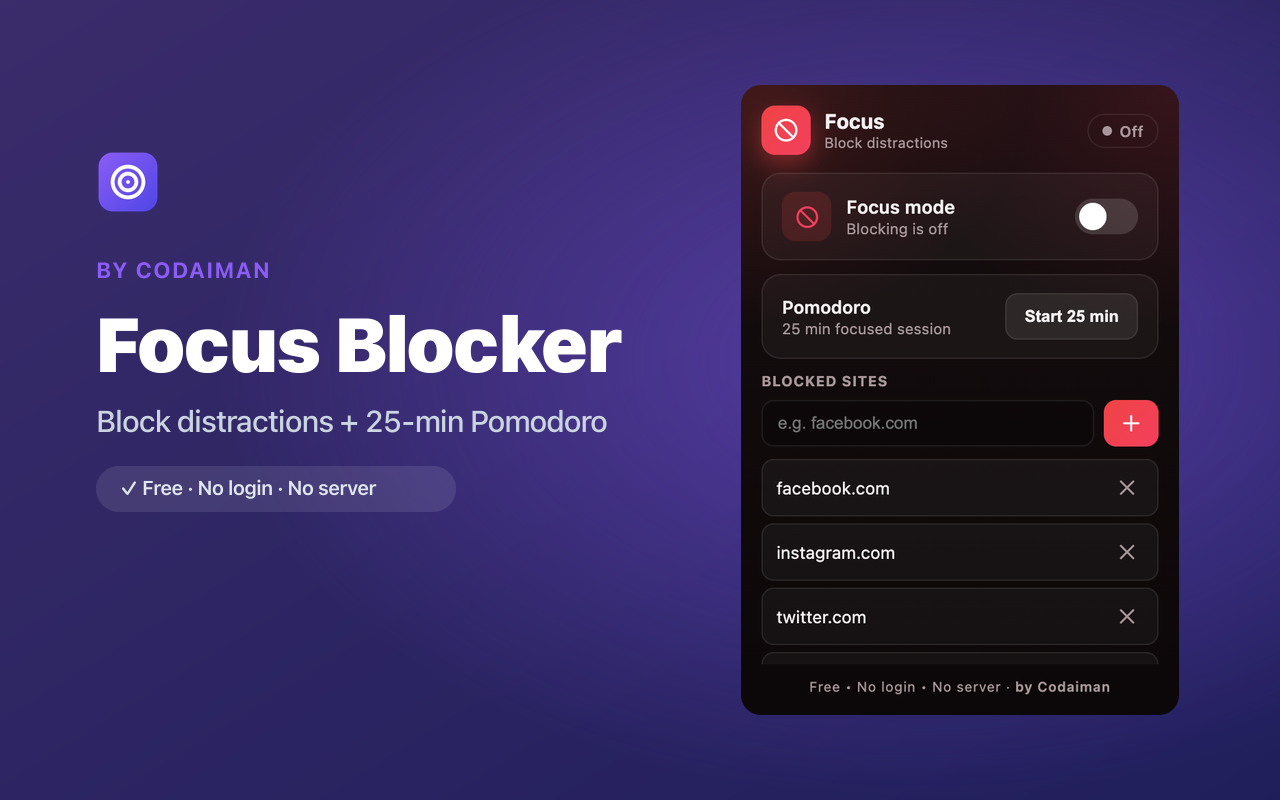
About Focus — Site Blocker
Focus helps you actually get work done by blocking the sites that pull you away. Add your personal blocklist — social media, news, video, whatever tempts you — and flip Focus mode on when it's time to concentrate.
Pair it with the built-in 25-minute Pomodoro timer to work in proven, distraction-free sprints. It's free, needs no account, and keeps your blocklist on your device.
Features
Block distracting sites
Add any site to your blocklist and it's off-limits during Focus.
Focus mode toggle
Flip a single switch to enforce your blocklist when you need to concentrate.
25-minute Pomodoro
Work in focused sprints with the built-in Pomodoro timer.
Custom blocklist
Tailor exactly which sites to block — your rules, your list.
Quick on/off
Turn blocking on for a work session and off when you're done.
Free & private
No login, no server — a Codaiman product.
How to use Focus — Site Blocker
- 1Install Focus and add the sites that distract you to your blocklist.
- 2Flip Focus mode on when it's time to concentrate.
- 3Start a 25-minute Pomodoro and work in a focused sprint.
- 4Blocked sites show a stop page until your session ends.
Perfect for
- Block social media and news while studying or working
- Run Pomodoro sprints to beat procrastination
- Create screen-free-ish focus time without willpower battles
Frequently asked questions
Can I choose which sites to block?
Yes — you build your own blocklist and can edit it anytime. Only the sites you add are blocked.
What is the Pomodoro timer?
It's a 25-minute focus timer based on the Pomodoro Technique, built in so you can work in distraction-free sprints.
Is it free?
Yes, fully free with no account — a Codaiman product.



Get Focus — Site Blocker — free
A free, privacy-first Chrome extension by Codaiman. No login, no server, nothing leaves your browser.