
Resume Reading
Jump back to where you left off.
Currently a direct download — load it in Chrome via Developer mode (steps below). Coming to the Chrome Web Store soon.
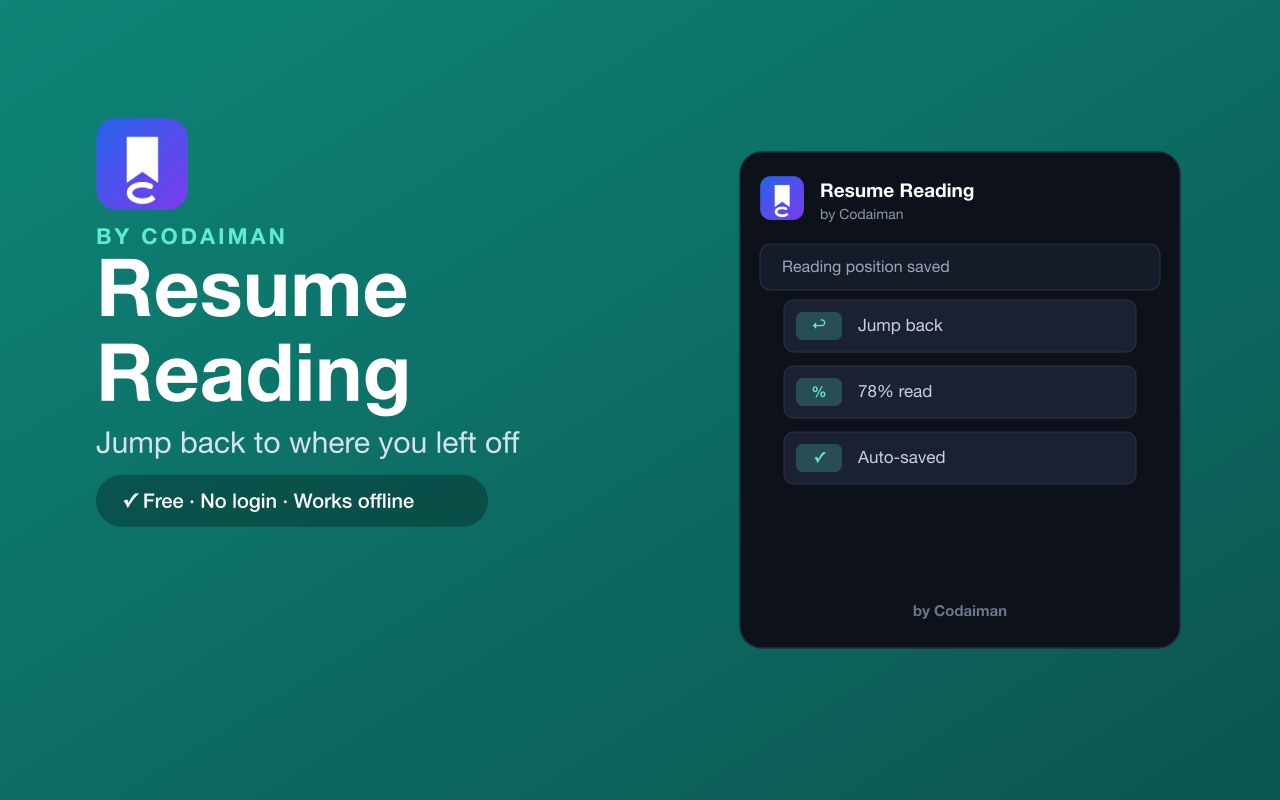
About Resume Reading
Resume Reading remembers how far you scrolled on long articles and pages, so the next time you open them you're taken straight back to where you left off — no more hunting for your spot in a wall of text.
It works quietly in the background, entirely in your browser, with no login and no server. A Codaiman product for anyone who reads long-form content across multiple sittings.
Features
Saves your scroll spot
Remembers how far down a long page you read.
Jumps you back
Reopen a page and return to your exact position.
Automatic
No buttons to press — it just remembers as you scroll.
Works offline
Runs entirely in your browser with no connection needed.
Lightweight
Quiet and fast, with no impact on browsing.
Free & private
No login, no server — a Codaiman product.
How to use Resume Reading
- 1Install Resume Reading and pin it to your toolbar.
- 2Read any long page and scroll as usual.
- 3Close or navigate away whenever you like.
- 4Reopen the page and you're taken back to where you stopped.
Installing the download
This extension is a self-hosted download, so it installs via Chrome's Developer mode.
- 1Download the .zip and unzip it to a folder you'll keep.
- 2Open chrome://extensions in Chrome.
- 3Turn on “Developer mode” (top-right toggle).
- 4Click “Load unpacked” and select the unzipped folder.
Perfect for
- Pick up a long article exactly where you left off
- Read documentation across multiple sittings
- Never lose your place in a long thread or guide
Frequently asked questions
Do I have to save my place manually?
No — Resume Reading remembers your scroll position automatically as you read.
Does it work on any site?
It works on long, scrollable pages across the web.
Is it free?
Yes — 100% free, no login. A Codaiman product.



Get Resume Reading — free
A free, self-hosted browser extension by Codaiman. Download, load it in Chrome, and you're set.
Download (.zip) — Free