
Recall
Never forget a website you visited.
Currently a direct download — load it in Chrome via Developer mode (steps below). Coming to the Chrome Web Store soon.
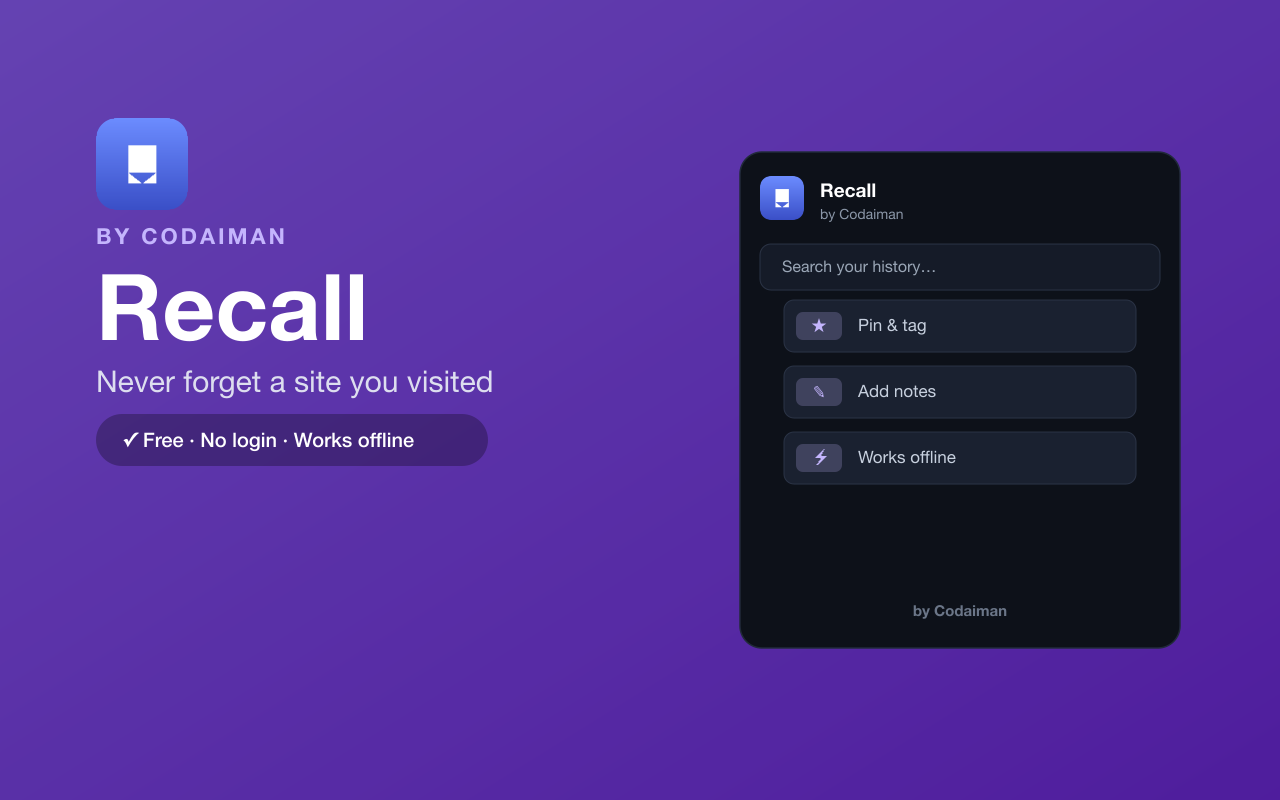
About Recall
Recall remembers every page you visit — including its content — so when you half-remember 'that article about X' you can actually find it again with a quick fuzzy search. Pin the important ones, tag them, and add your own notes.
Everything is stored locally in your browser and works offline; there's no login and nothing is ever sent to a server. A Codaiman product for anyone who's ever lost a page they knew they'd seen.
Features
Remembers every page
Automatically logs the sites you visit and their content.
Fuzzy search
Find a page again from a vague memory, not just its title.
Pin, tag & note
Organise the pages that matter with tags and notes.
Works offline
Your history lives in your browser and needs no connection.
100% local
No login, no server — nothing leaves your device.
Free & private
A Codaiman product built with privacy first.
How to use Recall
- 1Install Recall and pin it to your toolbar.
- 2Browse normally — Recall quietly remembers pages and their content.
- 3Later, open Recall and search from a fuzzy memory.
- 4Pin, tag or note the pages you want to keep.
Installing the download
This extension is a self-hosted download, so it installs via Chrome's Developer mode.
- 1Download the .zip and unzip it to a folder you'll keep.
- 2Open chrome://extensions in Chrome.
- 3Turn on “Developer mode” (top-right toggle).
- 4Click “Load unpacked” and select the unzipped folder.
Perfect for
- Find that article you read last week but forgot to bookmark
- Search your history by content, not just the page title
- Keep a private, searchable memory of what you've read
Frequently asked questions
Is my browsing data sent anywhere?
No — everything is stored locally in your browser. There's no login and no server; nothing leaves your device.
How is it different from bookmarks?
You don't have to remember to save anything — Recall remembers every page automatically and lets you search by content.
Does it work offline?
Yes, fully — your history and search run entirely in your browser.



Get Recall — free
A free, self-hosted browser extension by Codaiman. Download, load it in Chrome, and you're set.
Download (.zip) — Free