Readable Font
Make any website comfortable to read.
Currently a direct download — load it in Chrome via Developer mode (steps below). Coming to the Chrome Web Store soon.
About Readable Font
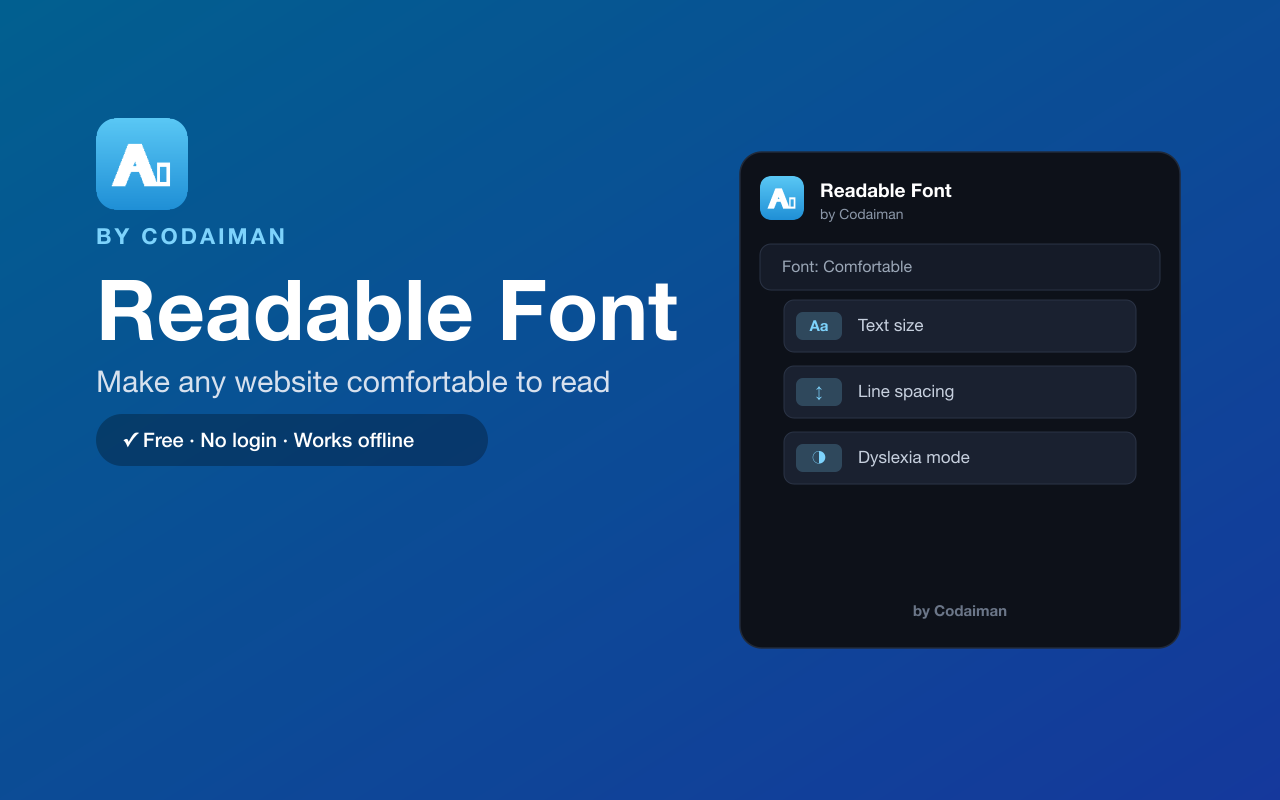
Readable Font makes any website easier on your eyes. Swap the page to a comfortable, legible font, increase the text size, and fine-tune line, letter and word spacing until reading feels effortless. There's also a dyslexia-friendly mode for extra clarity.
Your settings are remembered per site, so pages you read often always look the way you like. It runs in your browser with no login and no server — a Codaiman product built for comfortable, accessible reading.
Features
Comfortable font swap
Replace hard-to-read fonts with a clean, legible one on any site.
Adjustable spacing
Tune line, letter and word spacing for easier reading.
Bigger text
Bump up the font size without breaking the page layout.
Dyslexia-friendly mode
Switch to a dyslexia-friendly typeface for extra clarity.
Remembered per site
Your preferences are saved for each website automatically.
Free & private
No login, no server — settings stay in your browser.
How to use Readable Font
- 1Install Readable Font and pin it to your toolbar.
- 2Open the popup on any page and pick a comfortable font.
- 3Adjust size and spacing, or turn on dyslexia-friendly mode.
- 4Your choices are saved and reapplied every time you visit that site.
Installing the download
This extension is a self-hosted download, so it installs via Chrome's Developer mode.
- 1Download the .zip and unzip it to a folder you'll keep.
- 2Open chrome://extensions in Chrome.
- 3Turn on “Developer mode” (top-right toggle).
- 4Click “Load unpacked” and select the unzipped folder.
Perfect for
- Make long articles and documentation easier to read
- Improve readability on sites with tiny or awkward fonts
- Read more comfortably with a dyslexia-friendly typeface
Frequently asked questions
Does it change every website?
It applies to the sites you turn it on for, and remembers your settings per site so they reapply automatically.
Is there a dyslexia mode?
Yes — you can switch to a dyslexia-friendly font plus wider spacing for extra clarity.
Is it free?
Yes — 100% free, no login. A Codaiman product.



Get Readable Font — free
A free, self-hosted browser extension by Codaiman. Download, load it in Chrome, and you're set.
Download (.zip) — Free