
Open Selected Links
Open many links at once.
Currently a direct download — load it in Chrome via Developer mode (steps below). Coming to the Chrome Web Store soon.
About Open Selected Links
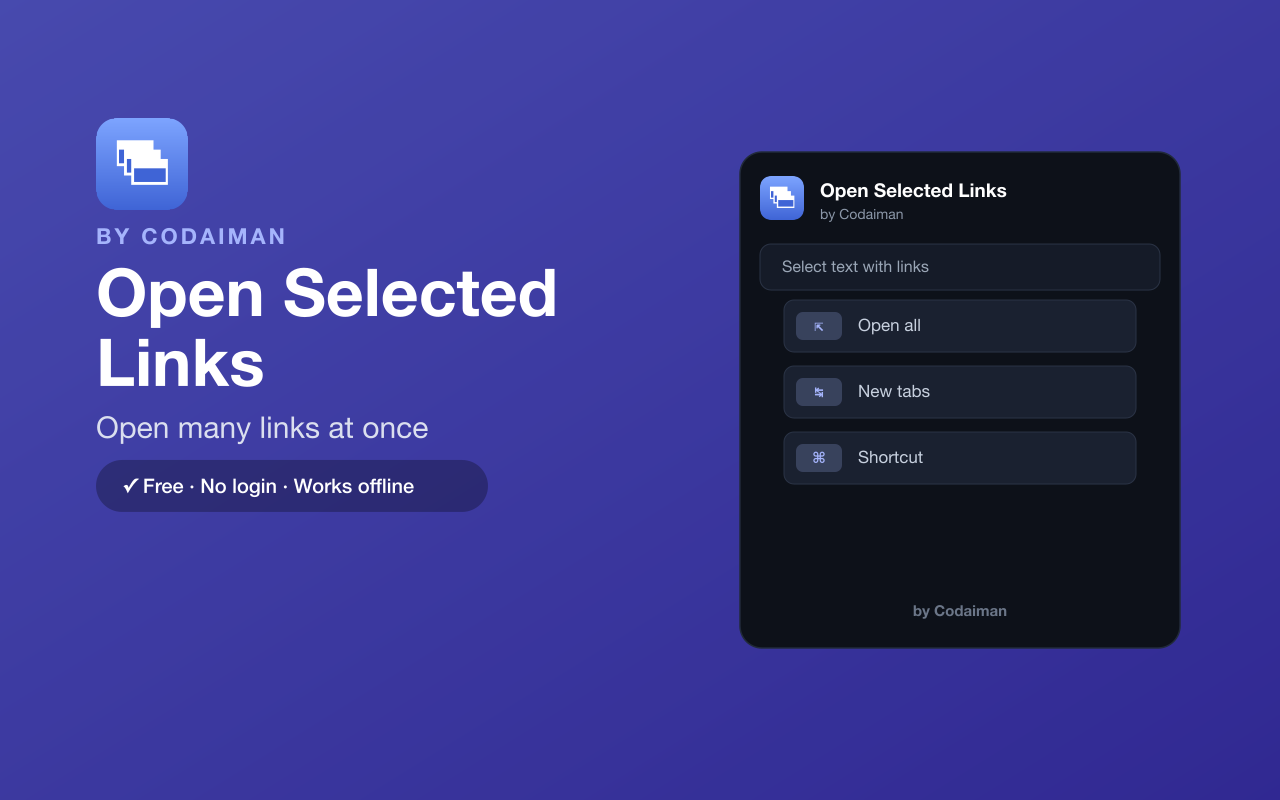
Open Selected Links lets you highlight a block of text that contains several links and open them all in new tabs in one action — right-click, a keyboard shortcut, or the toolbar popup. It even catches plain-text URLs that aren't clickable links.
It's a huge time-saver for research, shopping and reading lists where you'd otherwise middle-click link after link. No login and no server — a Codaiman product for power browsing.
Features
Open many at once
Select text with several links and open them all in new tabs.
Catches plain URLs
Detects plain-text URLs, not just clickable links.
Right-click or shortcut
Open via the context menu, a keyboard shortcut, or the popup.
Great for research
Blast open a list of sources or products instantly.
Simple & fast
No setup — select, trigger, done.
Free & private
No login, no server — a Codaiman product.
How to use Open Selected Links
- 1Install Open Selected Links and pin it to your toolbar.
- 2Select text on a page that contains several links or URLs.
- 3Right-click and choose Open all links (or use the shortcut).
- 4Every link opens in its own new tab.
Installing the download
This extension is a self-hosted download, so it installs via Chrome's Developer mode.
- 1Download the .zip and unzip it to a folder you'll keep.
- 2Open chrome://extensions in Chrome.
- 3Turn on “Developer mode” (top-right toggle).
- 4Click “Load unpacked” and select the unzipped folder.
Perfect for
- Open a list of search results or sources at once
- Blast open a set of product or listing links
- Turn a block of plain-text URLs into open tabs
Frequently asked questions
Does it open plain-text URLs too?
Yes — it detects plain-text URLs in your selection, not just clickable links.
How do I trigger it?
Right-click your selection, use the keyboard shortcut, or open it from the toolbar popup.
Is it free?
Yes — 100% free, no login. A Codaiman product.


Get Open Selected Links — free
A free, self-hosted browser extension by Codaiman. Download, load it in Chrome, and you're set.
Download (.zip) — Free