
Link Hover Preview
Peek any link before you click.
Currently a direct download — load it in Chrome via Developer mode (steps below). Coming to the Chrome Web Store soon.
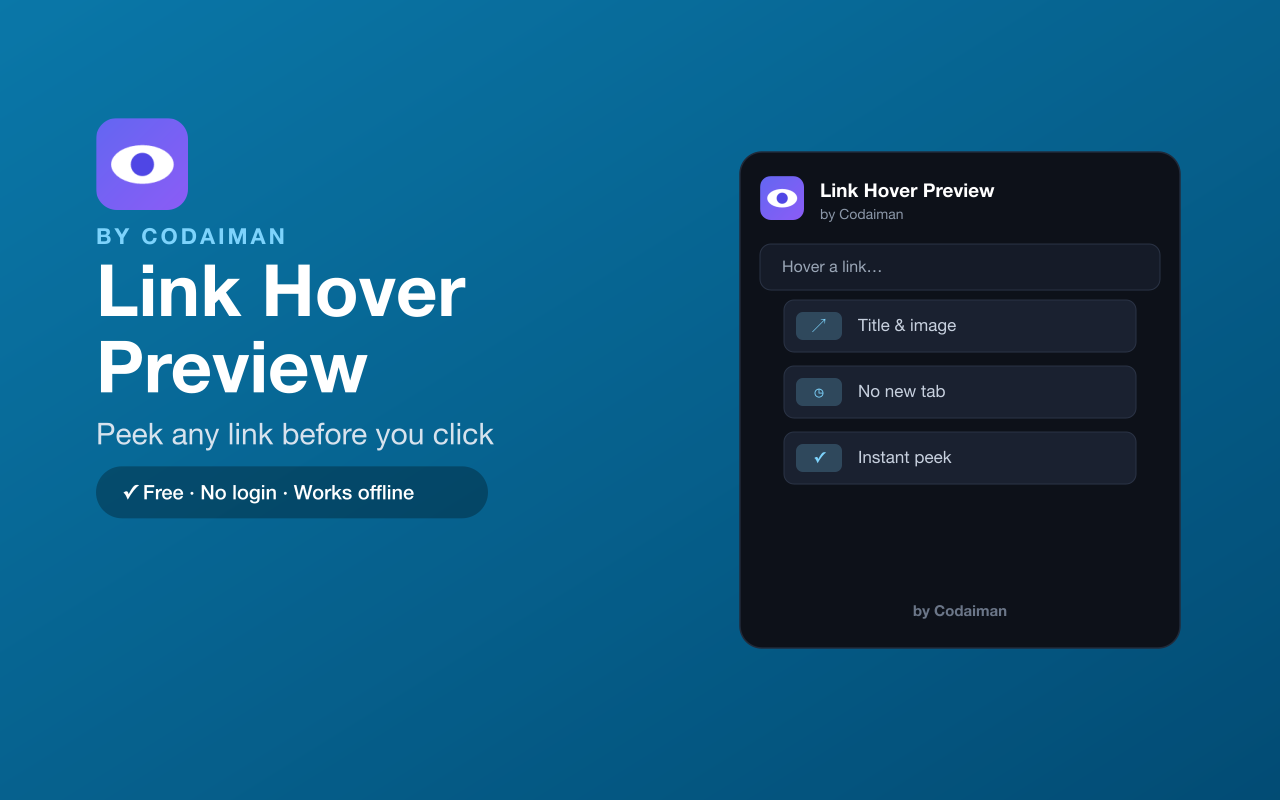
About Link Hover Preview
Link Hover Preview shows you what's behind a link before you click it. Hover over any link and a clean preview card appears with the page's title, description, image and favicon — so you can decide whether it's worth opening.
It saves you from opening (and closing) dozens of tabs just to check where a link goes. No login and no server — a lightweight Codaiman product that makes browsing faster and calmer.
Features
Preview on hover
See a link's title, description and image without clicking.
No extra tabs
Check where a link goes without opening and closing tabs.
Rich preview card
Shows favicon, page title, description and preview image.
Fast & lightweight
Previews appear instantly and disappear when you move away.
Works everywhere
Preview links on any website you browse.
Free & private
No login, no server — a Codaiman product.
How to use Link Hover Preview
- 1Install Link Hover Preview and pin it to your toolbar.
- 2Browse any page with links.
- 3Hover over a link and pause for a moment.
- 4A preview card shows what's behind it.
Installing the download
This extension is a self-hosted download, so it installs via Chrome's Developer mode.
- 1Download the .zip and unzip it to a folder you'll keep.
- 2Open chrome://extensions in Chrome.
- 3Turn on “Developer mode” (top-right toggle).
- 4Click “Load unpacked” and select the unzipped folder.
Perfect for
- Vet search results before opening them
- Check where a shortened or unclear link leads
- Read faster without drowning in open tabs
Frequently asked questions
Does it open new tabs?
No — that's the point. You see a preview on hover, so you don't have to open a tab just to check a link.
Does it work on every site?
Yes, it previews links across the websites you browse.
Is it free?
Yes — 100% free, no login. A Codaiman product.



Get Link Hover Preview — free
A free, self-hosted browser extension by Codaiman. Download, load it in Chrome, and you're set.
Download (.zip) — Free