
Auto-Close Idle Tabs
Sleep unused tabs and free up memory.
Currently a direct download — load it in Chrome via Developer mode (steps below). Coming to the Chrome Web Store soon.
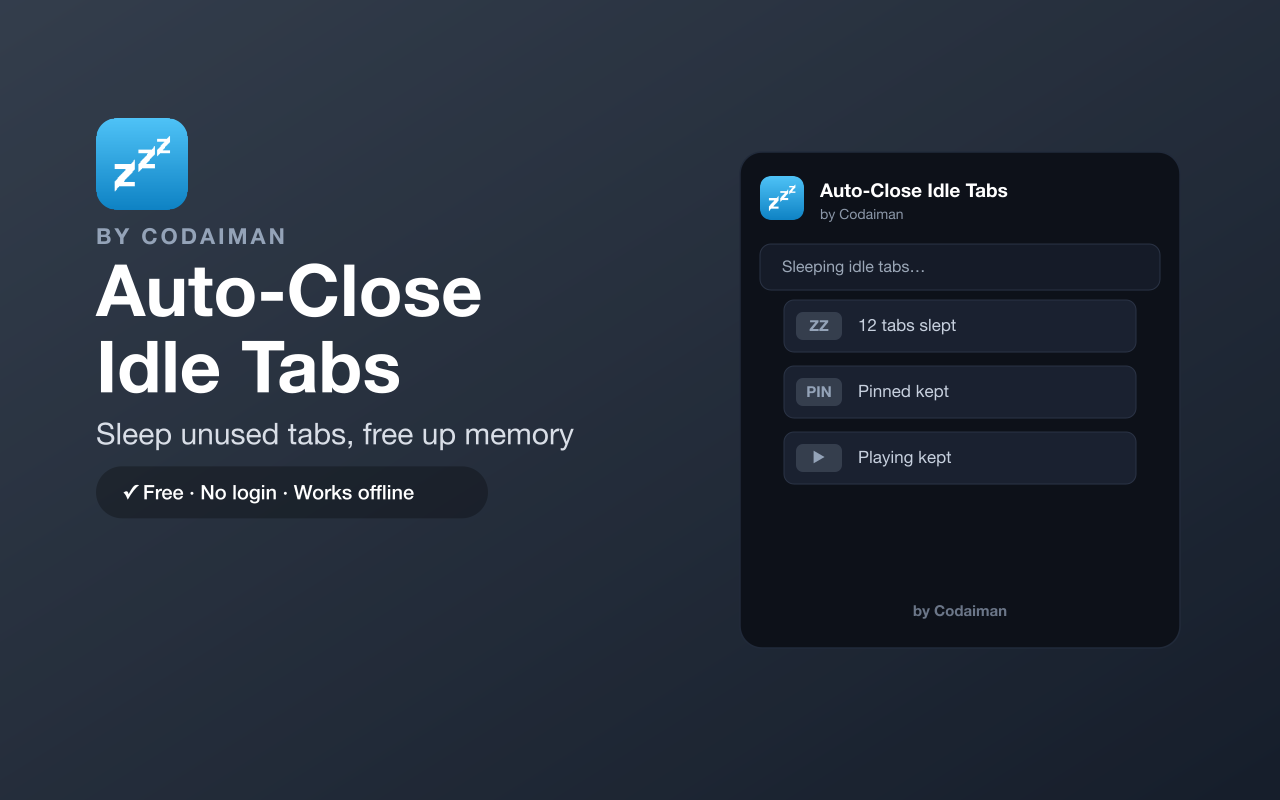
About Auto-Close Idle Tabs
Auto-Close Idle Tabs quietly puts tabs you haven't touched in a while to sleep, freeing memory and cutting the clutter of a hundred open tabs. You choose the idle timeout, and it handles the rest in the background.
It protects what matters — pinned tabs, tabs playing audio or video, your active tab, and any site on your own whitelist are never touched. No login and no server; a lightweight Codaiman product that keeps your browser fast.
Features
Auto-sleep idle tabs
Suspends tabs you haven't used after your chosen timeout.
Frees memory
Reclaims RAM from forgotten tabs so your browser stays snappy.
Protects important tabs
Pinned, audio/video-playing and active tabs are never slept.
Your own whitelist
Add sites that should always stay awake.
Sleep or close
Choose whether idle tabs are suspended or closed.
Free & private
No login, no server — a Codaiman product.
How to use Auto-Close Idle Tabs
- 1Install Auto-Close Idle Tabs and pin it to your toolbar.
- 2Set your idle timeout in the popup.
- 3Add any always-keep sites to your whitelist.
- 4Idle tabs sleep automatically to free memory.
Installing the download
This extension is a self-hosted download, so it installs via Chrome's Developer mode.
- 1Download the .zip and unzip it to a folder you'll keep.
- 2Open chrome://extensions in Chrome.
- 3Turn on “Developer mode” (top-right toggle).
- 4Click “Load unpacked” and select the unzipped folder.
Perfect for
- Tame a browser full of forgotten tabs
- Free up RAM on a slow or low-memory machine
- Keep only what you're using awake without closing everything
Frequently asked questions
Will it close tabs I'm using?
No — your active tab, pinned tabs, and tabs playing audio or video are protected, plus anything on your whitelist.
Does it sleep or close tabs?
Your choice — it can suspend (sleep) idle tabs to save memory, or close them if you prefer.
Is it free?
Yes — 100% free, no login. A Codaiman product.



Get Auto-Close Idle Tabs — free
A free, self-hosted browser extension by Codaiman. Download, load it in Chrome, and you're set.
Download (.zip) — Free