
Free VPN Proxy
Switch your browser to another country.
VPN/proxy extensions can't be listed on the Chrome Web Store, so this one is a direct download. It needs your own proxy server to actually connect.
About Free VPN Proxy
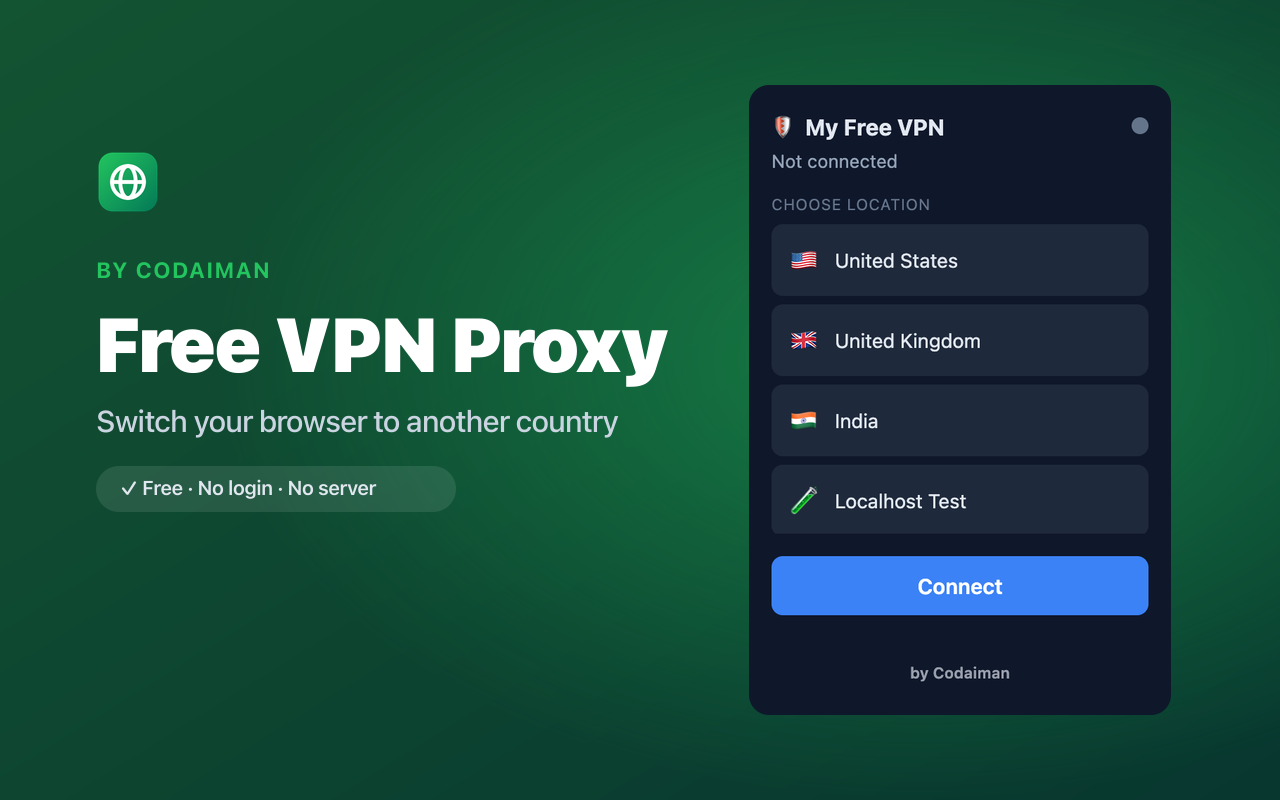
Free VPN Proxy routes your Chrome traffic through a proxy server in the country of your choice. Pick a location, hit connect, and the web sees you browsing from there — useful for testing geo-content and adding a layer of privacy to your browser traffic.
Because browser VPN and proxy extensions aren't allowed on the Chrome Web Store, this one is a direct download you install yourself. It's a remote-control front end — it needs a proxy server you point it at to actually connect.
Features
Choose a country
Pick from your configured server locations and connect in one click.
Routes browser traffic
Sends your Chrome traffic through the selected proxy server.
Simple connect toggle
One button to connect and disconnect — no complicated setup UI.
Privacy layer
Hide your real IP from sites behind the proxy you control.
By Codaiman
Clean, branded interface — free to use.
Self-hosted
You run the proxy server, so you decide the location and logging policy.
How to use Free VPN Proxy
- 1Download the .zip and load it in Chrome via Developer mode (steps below).
- 2Set up a proxy server in the country you want (see the included VPS guide).
- 3Point the extension at your server and choose the location.
- 4Click Connect — your browser now appears to be in that country.
Installing the download
This extension is a self-hosted download, so it installs via Chrome's Developer mode.
- 1Download the .zip and unzip it to a folder you'll keep.
- 2Open chrome://extensions in Chrome.
- 3Turn on “Developer mode” (top-right toggle).
- 4Click “Load unpacked” and select the unzipped folder.
Perfect for
- Test how a website looks to visitors in another country
- Add a privacy layer to your browser traffic via a server you control
- Access region-limited web content through your own proxy
Frequently asked questions
Why isn't this on the Chrome Web Store?
Browser VPN and proxy extensions are restricted by Chrome Web Store policy, so Free VPN Proxy is offered as a direct, self-hosted download instead.
Do I need my own server?
Yes. The extension is a remote control — the country and speed come from the proxy server you set up and point it at. A VPS guide is included.
Is it a full-device VPN?
No — it's a browser proxy, so it only affects Chrome's traffic, not your whole system.


Get Free VPN Proxy — free
A free, self-hosted browser extension by Codaiman. Download, load it in Chrome, and you're set.
Download (.zip) — Free