
Broken Link Detector
Find & highlight dead links on any page.
Currently a direct download — load it in Chrome via Developer mode (steps below). Coming to the Chrome Web Store soon.
About Broken Link Detector
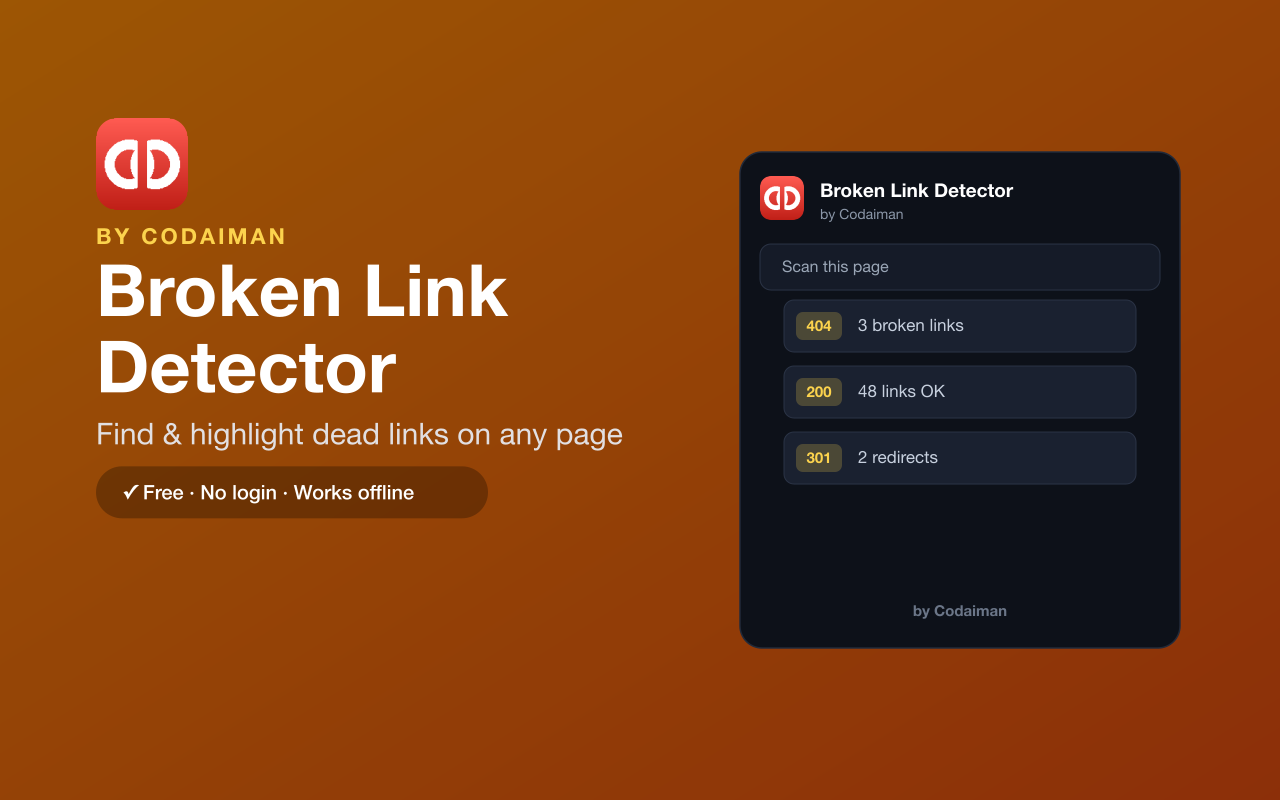
Broken Link Detector scans the page you're on and finds every dead link, highlighting each one right on the page with its HTTP status code (404, 500, and more). It's a fast way to catch broken links before your readers, clients or Google do.
Perfect for SEO audits, bloggers checking old posts, and developers doing QA. It runs entirely in your browser with no login and no API key — a Codaiman product, and a handy on-page companion to siteIQ, Codaiman's full site-audit tool.
Features
Scans the whole page
Checks every link on the current page in one click.
Highlights dead links
Marks broken links right on the page so you can see exactly where they are.
Shows status codes
Displays the HTTP status (404, 500, etc.) for each broken link.
Great for SEO & QA
Catch broken links that hurt rankings and user experience.
No setup needed
No API key and no login — install and scan.
Free & private
Runs locally in your browser — a Codaiman product.
How to use Broken Link Detector
- 1Install Broken Link Detector and pin it to your toolbar.
- 2Open any page you want to check.
- 3Click the icon and hit Scan.
- 4Review the highlighted dead links and their status codes.
Installing the download
This extension is a self-hosted download, so it installs via Chrome's Developer mode.
- 1Download the .zip and unzip it to a folder you'll keep.
- 2Open chrome://extensions in Chrome.
- 3Turn on “Developer mode” (top-right toggle).
- 4Click “Load unpacked” and select the unzipped folder.
Perfect for
- Audit a blog post or landing page for broken links before publishing
- Do a quick SEO check for 404s that hurt rankings
- QA a site during development without leaving the page
Frequently asked questions
Does it need an API key?
No — Broken Link Detector works with no API key and no login. Just install and scan.
What does it check?
It scans the links on the current page and reports which ones are broken, along with their HTTP status code.
How is it different from siteIQ?
siteIQ (codaiman.com/siteiq) audits your whole site's SEO and performance; this extension is a quick, on-page broken-link check for the page you're viewing.


Get Broken Link Detector — free
A free, self-hosted browser extension by Codaiman. Download, load it in Chrome, and you're set.
Download (.zip) — Free