
Auto Refresh
Auto-refresh any tab on your schedule.
Currently a direct download — load it in Chrome via Developer mode (steps below). Coming to the Chrome Web Store soon.
About Auto Refresh
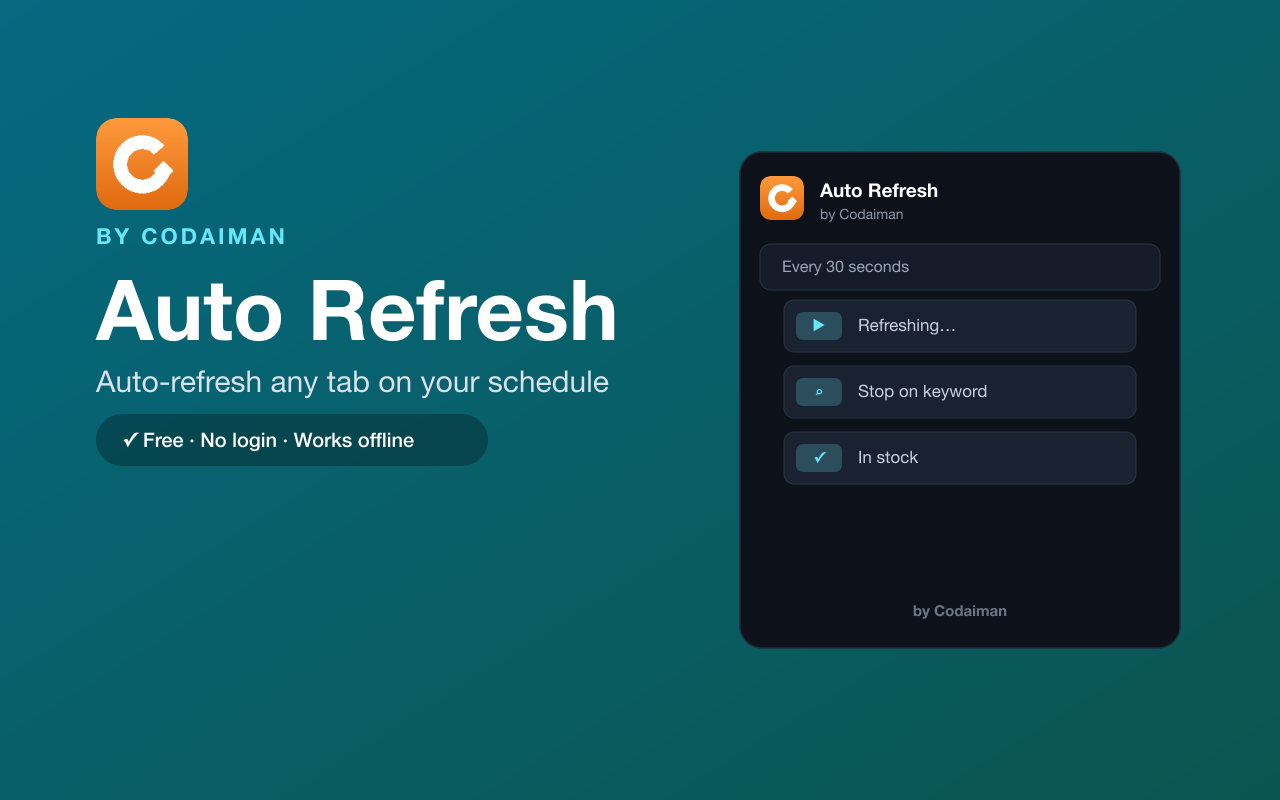
Auto Refresh reloads any tab automatically at the interval you choose — every few seconds, minutes, or a custom time. It's perfect for watching live scores, waiting on ticket or product drops, tracking deals, or monitoring anything that updates on its own.
You can also set a keyword like “In stock” so it stops refreshing and alerts you the moment the page changes to what you're waiting for. No sign-up and no API key — a lightweight Codaiman product that just works.
Features
Custom refresh interval
Reload any tab every few seconds, minutes, or a custom time.
Stop on keyword
Automatically stop the moment text like “In stock” appears on the page.
Per-tab control
Set different refresh rates for different tabs independently.
Desktop notifications
Get alerted when your keyword is found so you don't miss it.
Lightweight
Runs quietly in the background without slowing your browser.
Free & private
No login, no API key — a Codaiman product.
How to use Auto Refresh
- 1Install Auto Refresh and pin it to your toolbar.
- 2Open the tab you want to keep fresh and click the icon.
- 3Choose a refresh interval (and optionally a stop keyword).
- 4Auto Refresh reloads the tab until you stop it or the keyword appears.
Installing the download
This extension is a self-hosted download, so it installs via Chrome's Developer mode.
- 1Download the .zip and unzip it to a folder you'll keep.
- 2Open chrome://extensions in Chrome.
- 3Turn on “Developer mode” (top-right toggle).
- 4Click “Load unpacked” and select the unzipped folder.
Perfect for
- Watch live sports scores or election results update automatically
- Wait for tickets, sneaker drops or deals to go live
- Monitor a page for an “In stock” or status change
Frequently asked questions
Can it stop when something changes?
Yes — set a keyword like “In stock” and Auto Refresh stops and notifies you the moment it appears.
Does it need an API key?
No — no API key and no login. Install it and set an interval.
Will it slow my browser?
No. It's intentionally lightweight and only refreshes the tabs you choose.


Get Auto Refresh — free
A free, self-hosted browser extension by Codaiman. Download, load it in Chrome, and you're set.
Download (.zip) — Free